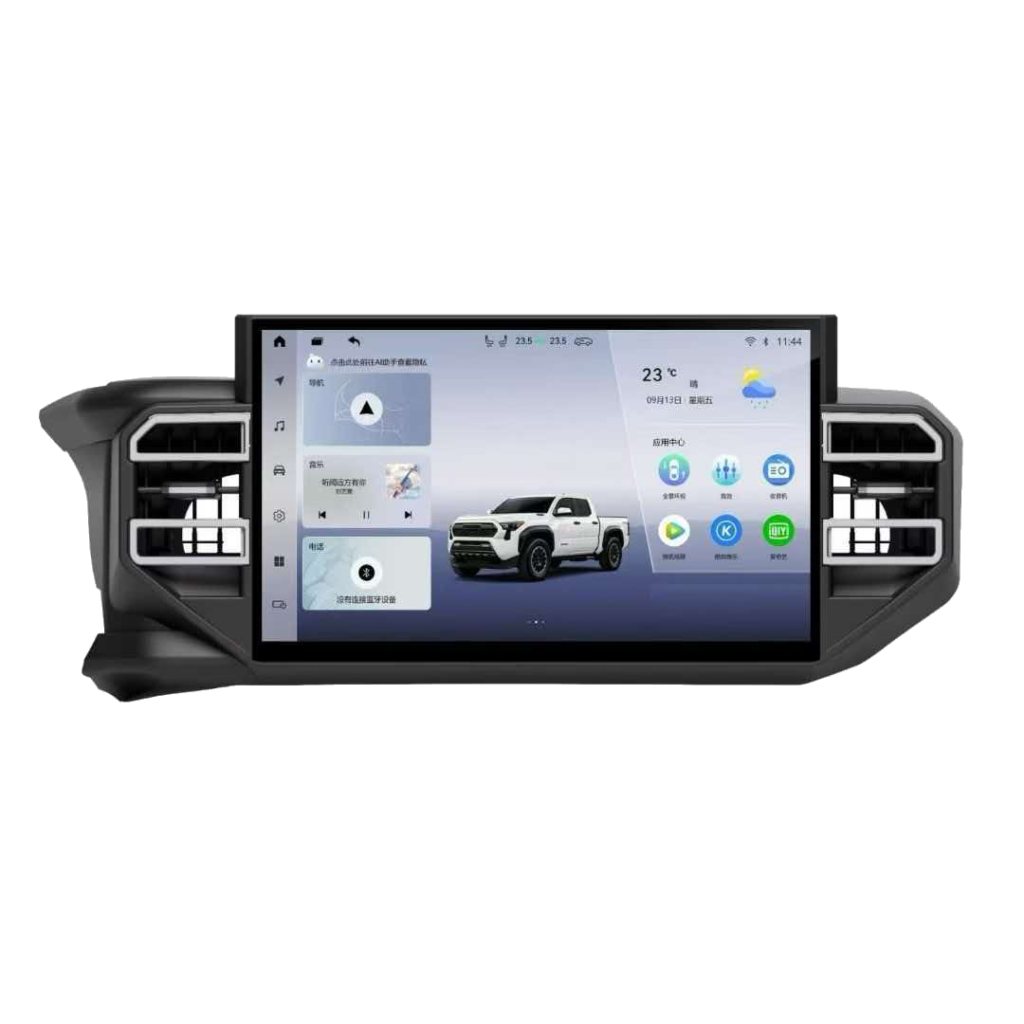
The 2014–2018 Toyota Corolla (the 11th-generation E170/E180 sedan) is one of the best-selling compact cars on the planet — and one of the most common candidates for an infotainment upgrade. Most of these cars left the factory with a small 6.1- or 7-inch head unit, no Apple CarPlay or Android Auto, dated navigation (if any) and limited media inputs. A vehicle-specific Android head unit for the Toyota Corolla replaces that old screen with a modern touchscreen while keeping the steering-wheel buttons, reverse camera and climate functions working.
This guide covers fitment for the 2014–2018 Corolla, the specs that matter, a plug-and-play installation overview and the questions buyers ask most. Because exact audio systems vary by region and trim (L, LE, SE, XLE and equivalent markets), always confirm the final fitment against your VIN or a photo of the factory dash — the For Toyota catalog is organized to make that quick.
Which 2014–2018 Corolla models does an Android head unit fit?
The 11th-generation Corolla uses a standardized double-DIN opening with a model-specific trim frame, wiring harness and CAN decoder. A dedicated Corolla kit is built around that opening, so it mounts flush instead of leaving gaps like a generic universal unit. The table below is a planning reference; regional changes (including the 2017 facelift) can alter the factory connector, so VIN confirmation is always the final step.
| Model year | Typical factory audio | Common upgrade size | Notes |
|---|---|---|---|
| 2014–2016 Corolla | 6.1″ / 7″ Entune-style touchscreen or base audio | 9″ / 10.1″ vehicle-specific kit | Pre-facelift dash; matching frame + harness included in the dedicated kit |
| 2017–2018 Corolla | 7″ touchscreen, still without native CarPlay in most markets | 9″ / 10.1″ vehicle-specific kit | Facelift trim; confirm the exact bezel and connector by VIN |
| LHD and RHD markets | Connector and climate layout differ slightly | Region-specific harness | State left- or right-hand drive when requesting fitment |
A proper Corolla-specific package includes three things that a bare universal unit does not: the correct dash fascia/frame for a factory-finished look, a plug-and-play wiring harness so no wires are cut, and a CAN-bus decoder where the trim requires it. Browse the confirmed range under For Toyota Android head units, or use a universal Android car stereo only if your exact market build is not listed.
Before vs after: what changes in the cabin
- Before: a small resistive/capacitive screen, no modern phone mirroring, slow or absent GPS navigation, and Bluetooth that is often call-only.
- After: a large high-resolution capacitive touchscreen with wireless Apple CarPlay and Android Auto, online and offline GPS navigation, streaming audio, and a far faster processor.
- What stays: steering-wheel audio controls, the factory reverse (and where fitted, 360°) camera, door chimes, and climate-related functions are retained through the matched harness and CAN decoder.
The result feels like a new dashboard rather than an add-on: the screen fills the factory opening, the bezel matches the interior, and there is no dangling wiring.
Features to prioritize when choosing a unit
Not every Corolla Android head unit is built the same. Compare these specifications rather than screen size alone:
- Screen: a 9- or 10.1-inch IPS/QLED capacitive panel, at least 1280×720 resolution, for clear viewing in daylight.
- Performance: a modern octa-core CPU; choose 4GB/64GB or higher for smooth multitasking, with 2GB/32GB as an entry option for basic use.
- Phone integration: built-in wireless CarPlay and Android Auto (not wired-only), plus Bluetooth 5.x.
- Navigation & connectivity: GPS/GLONASS, Wi-Fi and optional 4G LTE, so maps and traffic stay current.
- Audio: a built-in DSP with EQ for a noticeable sound upgrade over the factory amplifier path.
- Vehicle integration: steering-wheel control support, reverse-camera input with parking guidelines, DAB+/DVR/OBD support where needed.
- System: a current Android version with over-the-air firmware updates and a clear warranty.
| Tier | Typical RAM / ROM | Best for |
|---|---|---|
| Entry | 2GB / 32GB | Budget builds; CarPlay, Android Auto, navigation and Bluetooth |
| Recommended | 4GB / 64GB | Daily drivers who want smooth maps, music and multitasking |
| Premium | 6–8GB / 128GB | Power users, 4G, multiple apps and future-proofing |
Accessories and expansion options
A Corolla Android head unit is also the hub for the rest of the cabin. Depending on the build, common add-ons include:
- DAB+ digital radio and a dedicated front or rear DVR dash camera.
- OBD2 diagnostics and TPMS displays, plus an external microphone for clear hands-free calls.
- RCA outputs for an external amplifier or subwoofer, USB extension leads, and rear-seat/headrest screens.
- A matching full-LCD digital instrument cluster for a complete cabin refresh, shipped together with the head unit.
Mention the accessories you want when confirming fitment, so the harness and ports are specified together rather than retrofitted later.
Plug-and-play installation overview
A vehicle-specific Corolla kit is designed for non-destructive installation; the work is in removing the factory trim safely rather than rewiring the car.
- Disconnect the battery or switch off ignition before removing the factory head unit.
- Pry the Corolla dash trim/climate surround with plastic tools to avoid scratching the panels.
- Unbolt and slide out the factory unit, then release its connectors and antenna.
- Plug the matched harness and CAN decoder between the car connectors and the new Android unit — no wire cutting.
- Transfer or fit the included Corolla fascia, then connect the GPS antenna, USB leads and microphone.
- Refit the screen into the opening, restore power, and verify steering buttons, camera, speakers and CarPlay pairing.
- Secure all panels and test again once the unit is fully warmed up.
Most experienced installers complete the job in roughly 45–90 minutes. If you have never removed a dashboard, professional installation protects the trim clips and bezel; for fleet and workshop customers, the harness standardizes the job across many Corollas.
Why a vehicle-specific kit beats a generic universal unit
Universal stereos are physically compatible with many cars, but on the Corolla they usually require an adapter frame you source separately, manual steering-wheel-key programming, and trial-and-error CAN wiring. A Corolla-dedicated Android head unit arrives as one matched set — frame, harness and decoder included — which removes the most common causes of installation problems and returns. Choose universal only when your precise market build is genuinely not covered.
Common buying mistakes to avoid
- Buying on screen size or price alone: a cheap 10-inch unit with a weak CPU and minimal RAM will lag and usually offers no real after-sales support. Compare processor, RAM/ROM, panel and warranty together.
- Ordering without the matched frame and CAN decoder: this is the number-one cause of trim gaps, lost steering buttons and returns on the Corolla — which is exactly what a dedicated kit prevents.
- Assuming “CarPlay” means wireless: some budget units are wired-only. Confirm wireless CarPlay and Android Auto up front if that is a requirement.
- Skipping VIN confirmation: regional and facelift differences are real; a quick VIN and dashboard-photo check prevents receiving the wrong bezel or harness.
- Ignoring firmware and warranty: favor a supplier that provides updates, spare harnesses and written RMA terms over a one-off marketplace listing.
Why buyers source Corolla head units from AURLIZO
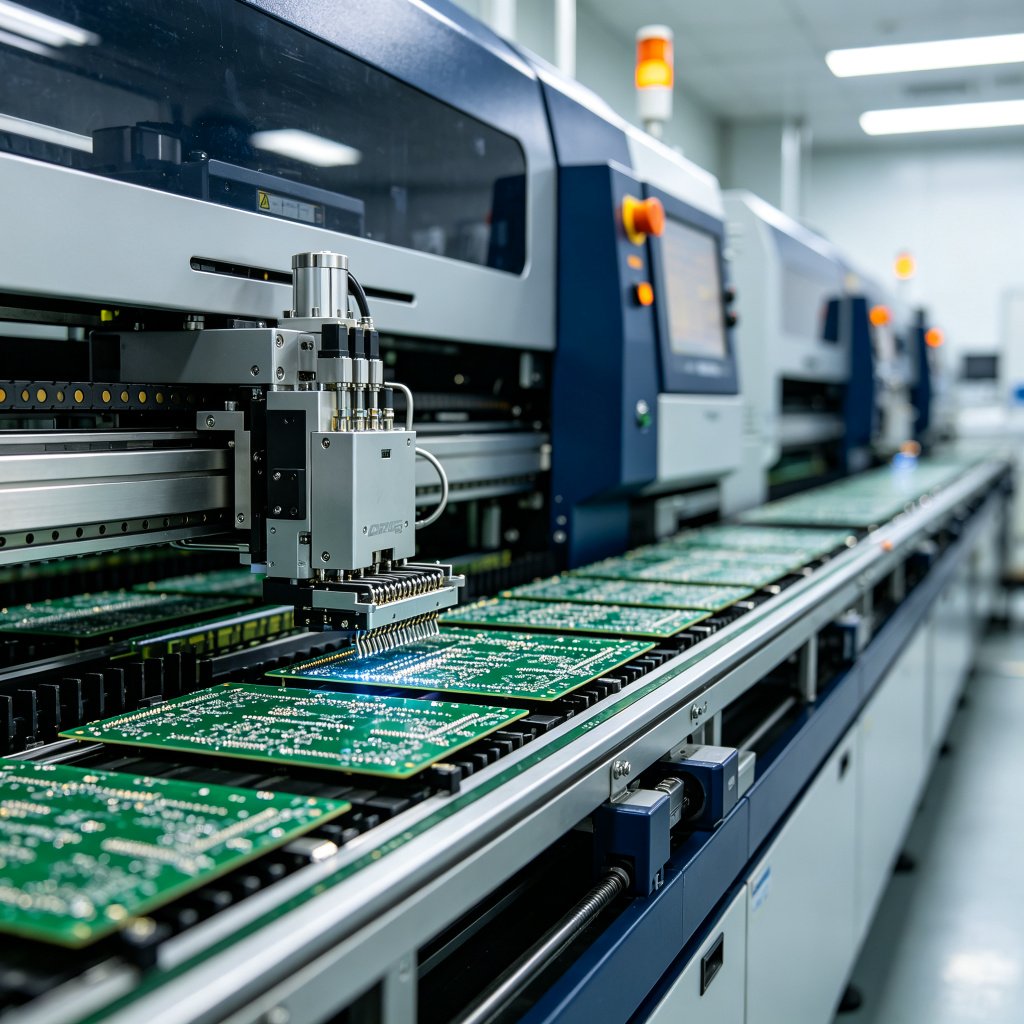
AURLIZO is the in-house brand of Guangzhou Junhui Automotive Parts Co., Ltd., a car-electronics manufacturer since 2011 with a 4,000㎡ production and warehousing base in Guangzhou. We build Android head units and full-LCD digital instrument clusters for 2,000+ models, including a broad Toyota range, and ship to 60+ countries with OEM/ODM support for brands, distributors and installers.
- Matched fitment: Corolla-specific frame, harness and CAN decoder — engineered for non-destructive, plug-and-play installation.
- Factory quality control: in-house SMT, assembly, high-temperature power aging and multi-point inspection before shipment.
- Two categories, one shipment: combine Android head units with digital instrument cluster upgrades and accessories in a single order.
- B2B friendly: samples, low-MOQ pilot orders, dealer pricing and custom logo/boot-screen/UI projects. Buyers comparing suppliers can use this manufacturer checklist.
For another detailed Toyota-style fitment example, see the Range Rover Android screen upgrade guide, and browse every build in the product catalog.
Frequently asked questions
Will an Android head unit fit my exact 2014–2018 Toyota Corolla?
The 11th-generation 2014–2018 Corolla is supported by vehicle-specific kits, but factory audio systems differ by region, trim and the 2017 facelift. Send your VIN, model year, market (LHD/RHD) and a photo of the factory dash, and the correct frame, harness and CAN decoder will be confirmed before ordering.
Do I lose steering-wheel controls or the reverse camera?
No. The matched harness and CAN-bus decoder retain steering-wheel audio/voice buttons, the factory reverse camera (and 360° camera where fitted), door chimes and climate-related functions. These are verified during installation rather than reprogrammed afterward.
Does it support wireless CarPlay and Android Auto?
Yes. Current Corolla Android head units include wireless Apple CarPlay and Android Auto, plus Bluetooth, so iPhone and Android users connect automatically after the first pairing; wired fallback is also available.
Do I need to buy a separate dash kit or wiring harness?
No with a dedicated Corolla package — the correct fascia/frame, plug-and-play harness and, where required, CAN decoder are included. This is the main advantage over a generic universal stereo, where those parts must be sourced and integrated separately.
Can I install it myself, or do I need a professional?
The electrical side is plug-and-play with no wire cutting, but removing the factory trim without breaking clips takes experience and plastic pry tools. First-time installers generally prefer professional fitting; workshops can standardize the 45–90 minute job across multiple Corollas.
What warranty and wholesale terms are available?
Units include a written warranty with firmware and spare-parts support. Distributors, retailers and installers can request samples, low-MOQ pilot orders, volume pricing and OEM/ODM customization (logo, boot screen, UI, packaging) by contacting the factory directly.
Can I upgrade the instrument cluster at the same time?
Yes. Alongside Android head units, AURLIZO builds full-LCD digital instrument clusters for many supported models, replacing the analog dials with a configurable digital cockpit. The head unit and cluster can be quoted and shipped together; see the digital cluster retrofit guide and confirm compatibility for your exact Corolla.